The Complete Restaurant Solution

Revolutionize Your Kitchen Operations

The Complete Restaurant Solution

Unleash Speed, Precision, and Efficiency with Megameal’s Cutting-Edge Kitchen Order Management System!”

A bird's eye view

So why MegaMeal’s KOMS?

Our products have been designed with your business in mind, and are packed with essential features to help you succeed.

Real-Time Order Tracking

Real-Time Order Tracking

Order Prioritization

Order Prioritization

Integration with POS & Waiter System

Integration with POS & Waiter System

Order Modification Alerts

Order Modification Alerts

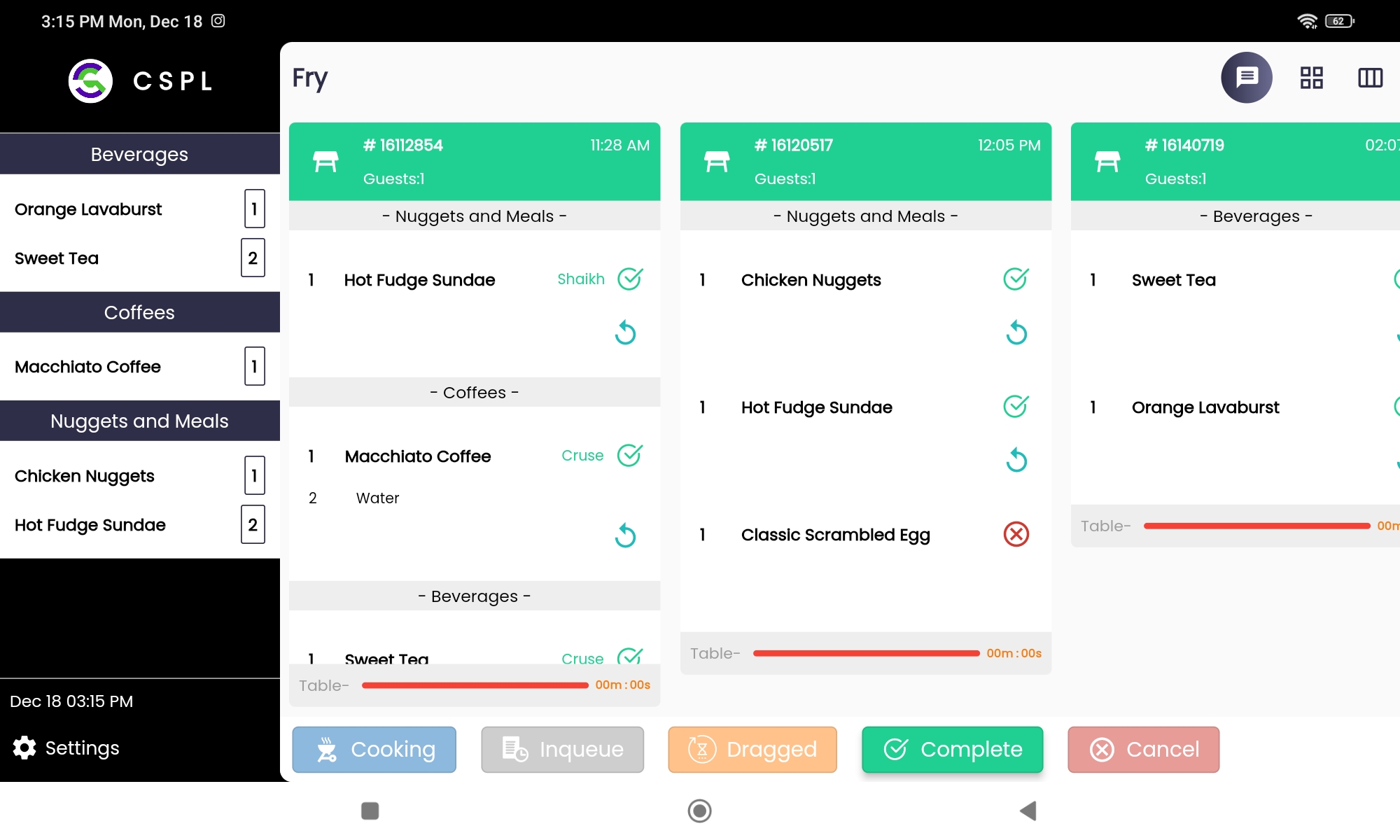
Multi-Station Support

Multi-Station Support

Order Countdown Timer

Order Countdown Timer

WheelMan Controller

WheelMan Controller

Touchscreen Compatibility

Touchscreen Compatibility

Book A Demo

Questions on your mind? Our team is ready to provide the answers you need

How KOMS Works?

Smart Kitchens, Savvy Service Your Recipe for Operational Excellence

Order Placement​

The customer places an order through the POS system. The order details are transmitted to the Kitchen Order Management System (KOMS).

Order Processing in KOMS​

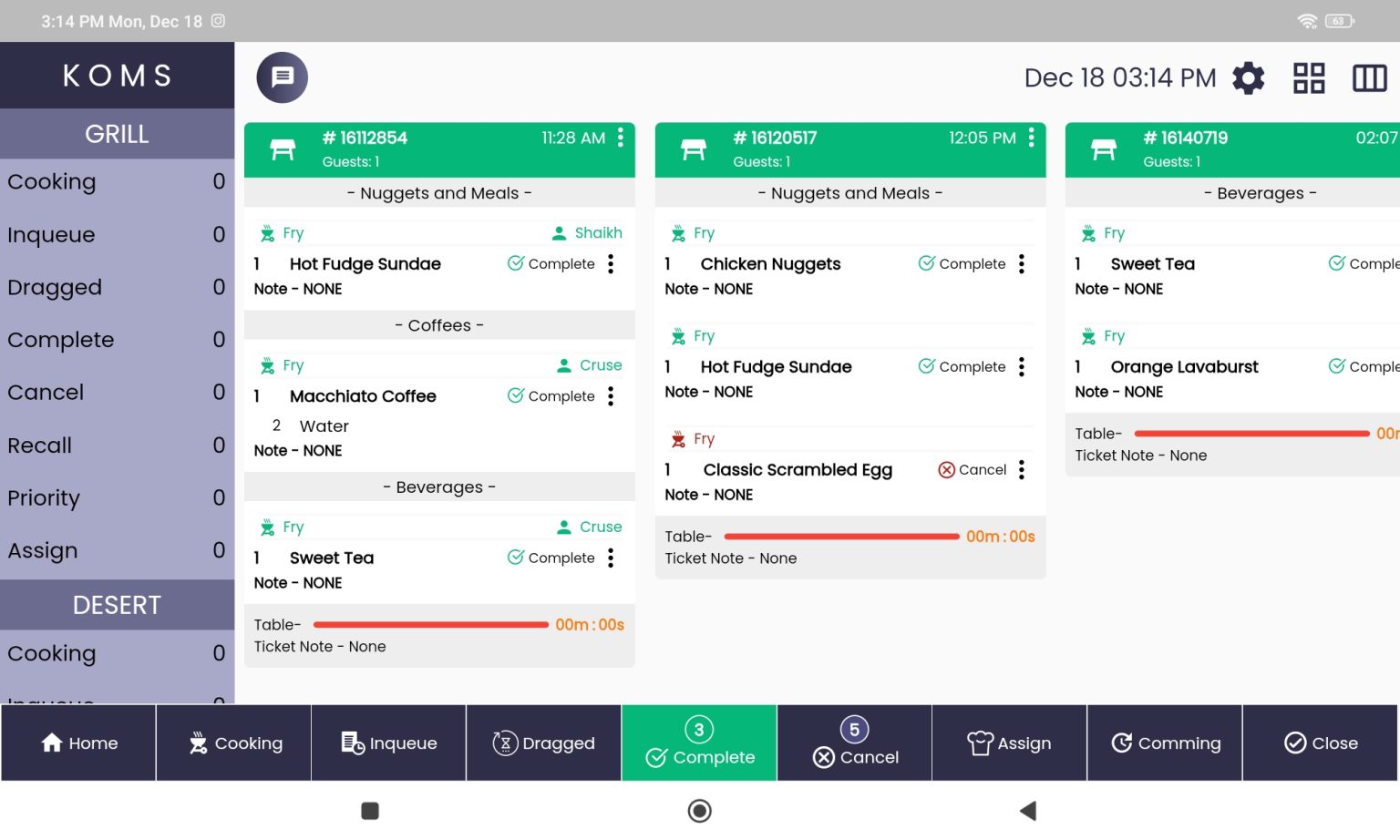
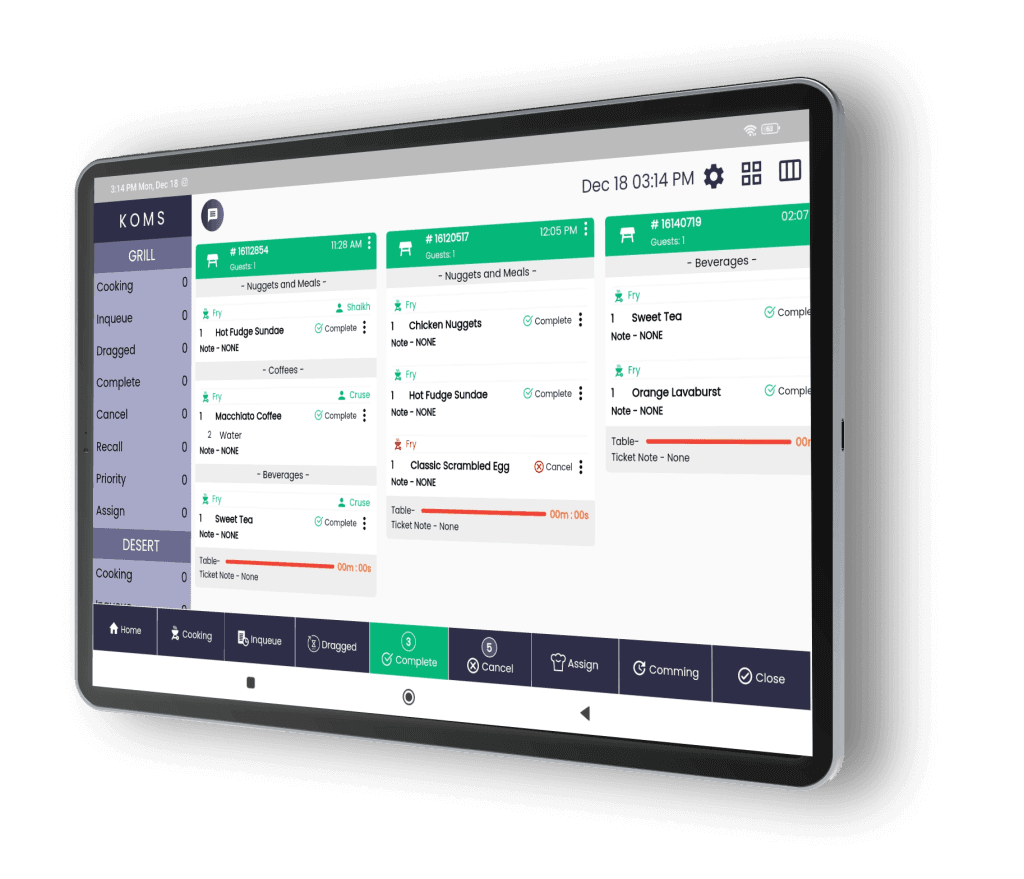
In the KOMS, kitchen staff can view and manage the orders in real-time. As each item is prepared and the order is completed, the KOMS system updates the order status.​

Ready-Order Screen

The Ready-Order Screen offers a transparent view of your guest's order status. By providing this level of visibility
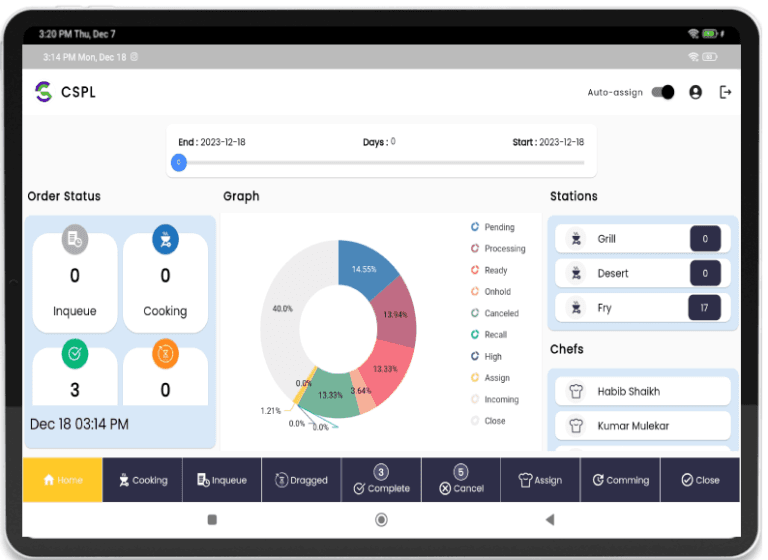
Expert Expeditor

Efficiency Unleashed Command Your Kitchen with Our Expert Expeditor Solutions

Expert Expeditor
Transform Your Kitchen Operations with Our State-of-the-Art Kitchen Expeditor System.
  • Order Monitoring: Provide a centralized dashboard for real-time monitoring of all incoming orders.
  • Order Prioritization: Allow the expeditor to prioritize orders based on urgency, special requests, or specific criteria.
  • Communication Hub: Facilitate communication between kitchen staff, servers, and other team members for efficient coordination.
  • Ticket Display: Display digital tickets with order details, modifications, and any special instructions for easy reference.
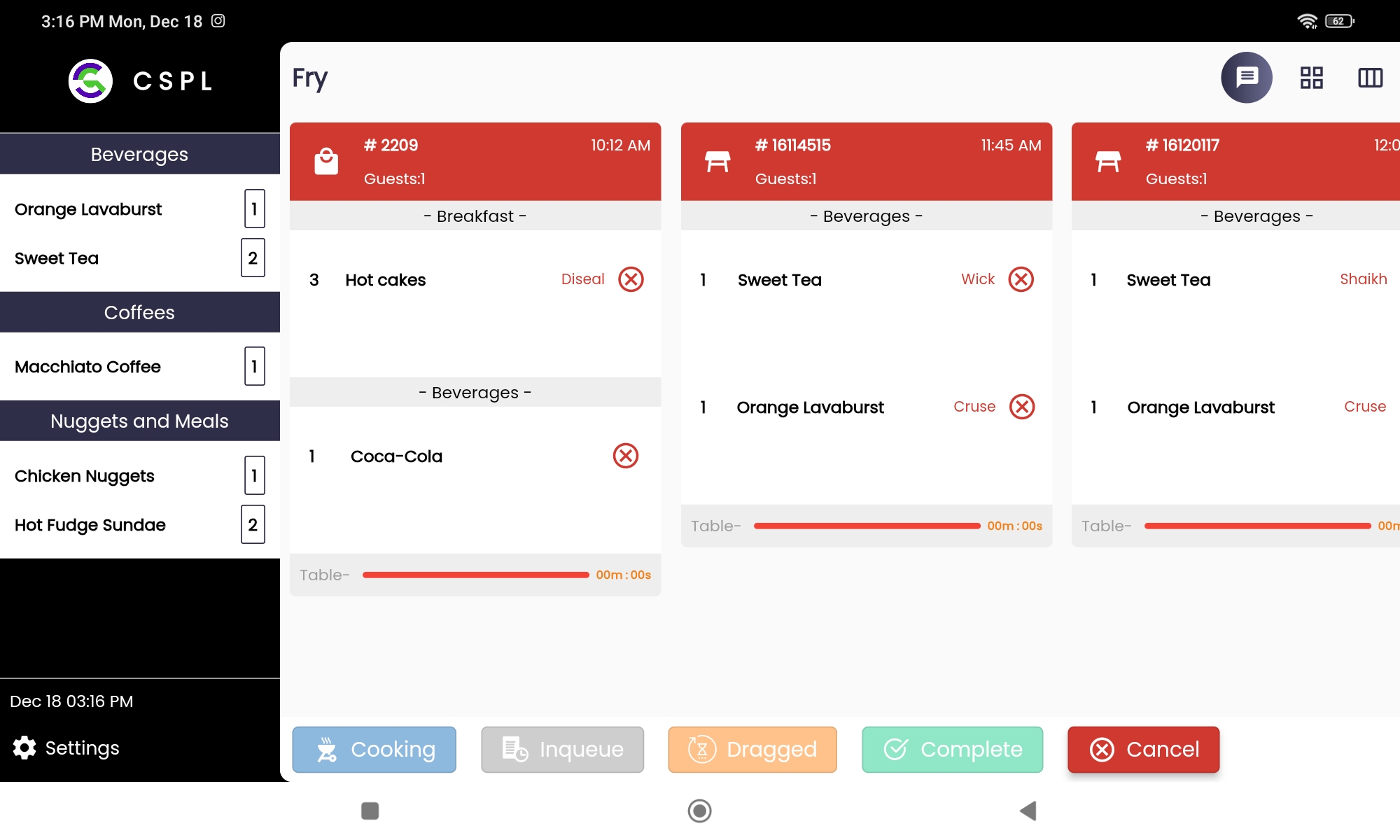
Cooking Station

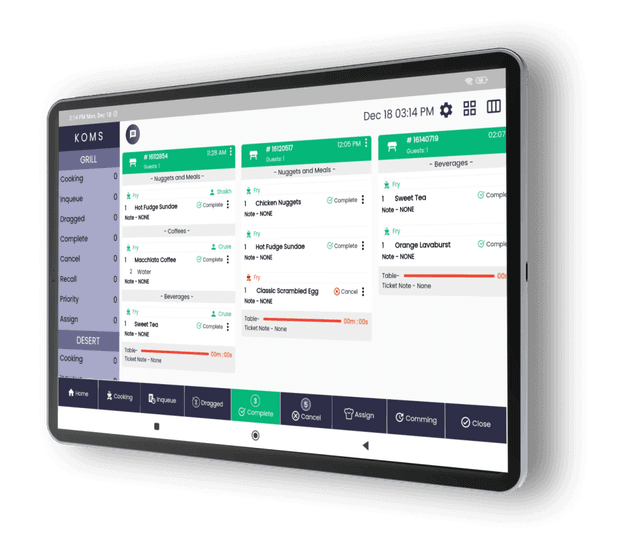
Navigate Orders with Ease Discover the Power of Our Intuitive Touch Screen Station monitor

Watch as orders move through various stages, from ‘Order Received’ to ‘In Preparation’ and finally to ‘Ready for Pickup.

Color-Coded Order Status

Color-Coded Order Status

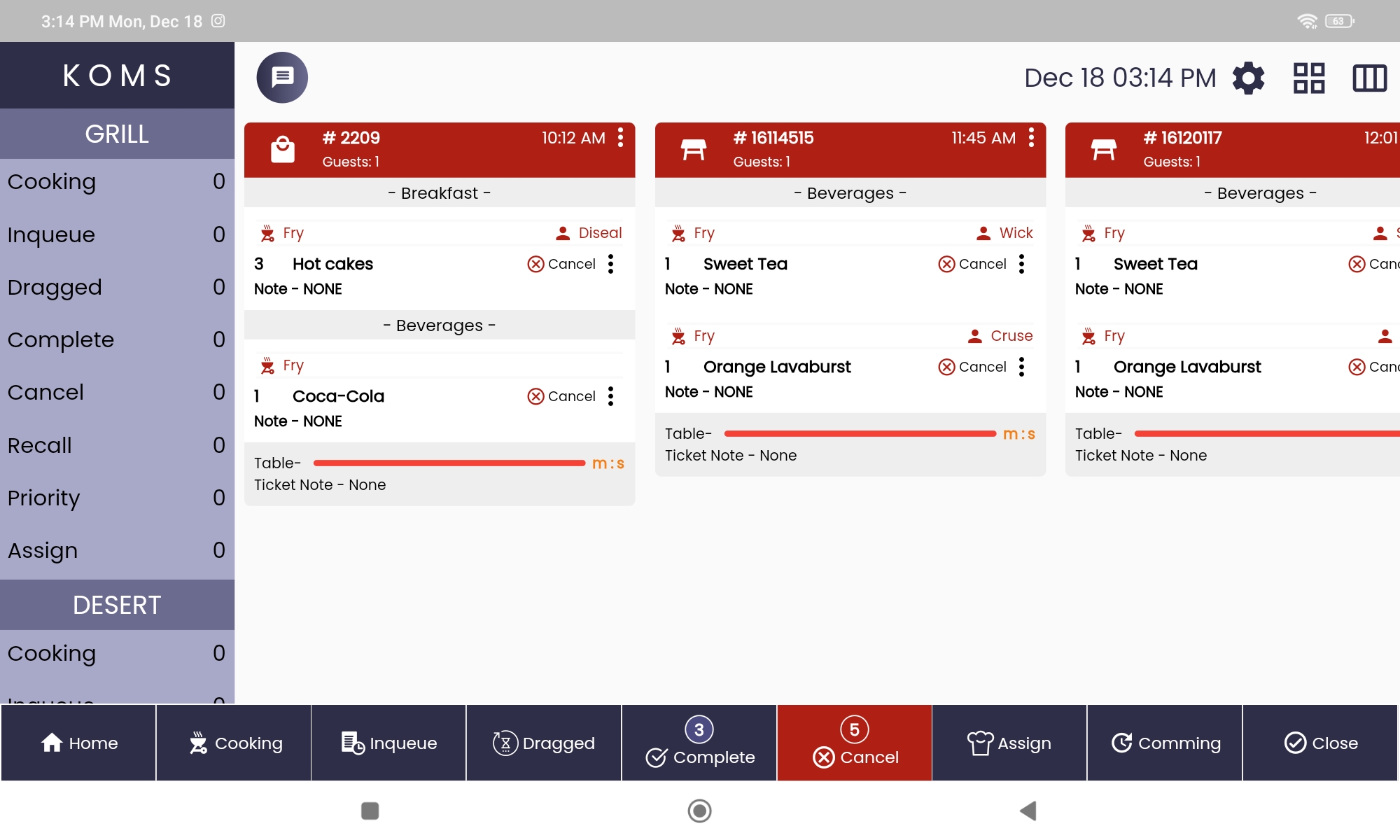
Use color codes to represent different order statuses (e.g., new, in progress, ready for pickup), making it easy for kitchen staff to identify the stage of each order.

Order Prioritization

Order Prioritization

Allow for the prioritization of urgent or high-priority orders, ensuring they receive immediate attention.

Rotating backgroundNavigate Orders with Ease Discover the Power of Our Intuitive Touch Screen Station monitor
Item Details and Modifications

Item Details and Modifications

Display detailed information about each item in the order, including special requests and modifications, to ensure accurate preparation.

Touchscreen Functionality

Touchscreen Functionality

Support touchscreen interfaces for easy navigation and quick order updates with a simple tap.

Integration

Seamless Harmony, Flawless Service Unifying Your Kitchen, WOMS and Point of Sale Systems

Operational Excellence Starts Here: Integrate your KDS seamlessly with POS and WOMS for a unified and streamlined restaurant experience.
  • Real-Time Order Transmission: Enable instant and automatic transmission of orders from POS to KOMS, minimizing delays and improving order accuracy.
  • Automatic Menu Updates: Ensure that any changes to the menu on the POS are automatically reflected in the KOMS, preventing discrepancies in item availability and prices.
  • Bi-Directional Communication: Allow communication from KOMS to POS, enabling real-time updates on order status, modifications, and completion.
  • Status Updates: Display real-time status updates on the POS screen, allowing front-of-house staff to communicate effectively with customers.

A web application can serve as a central hub for managing various aspects of the business, including sales, inventory, and customer information. Business owners and employees can access this web app from anywhere with an internet connection, making it easier to monitor and manage operations remotely.

KOMSKOMS
POSPOS
WOMSWOMS
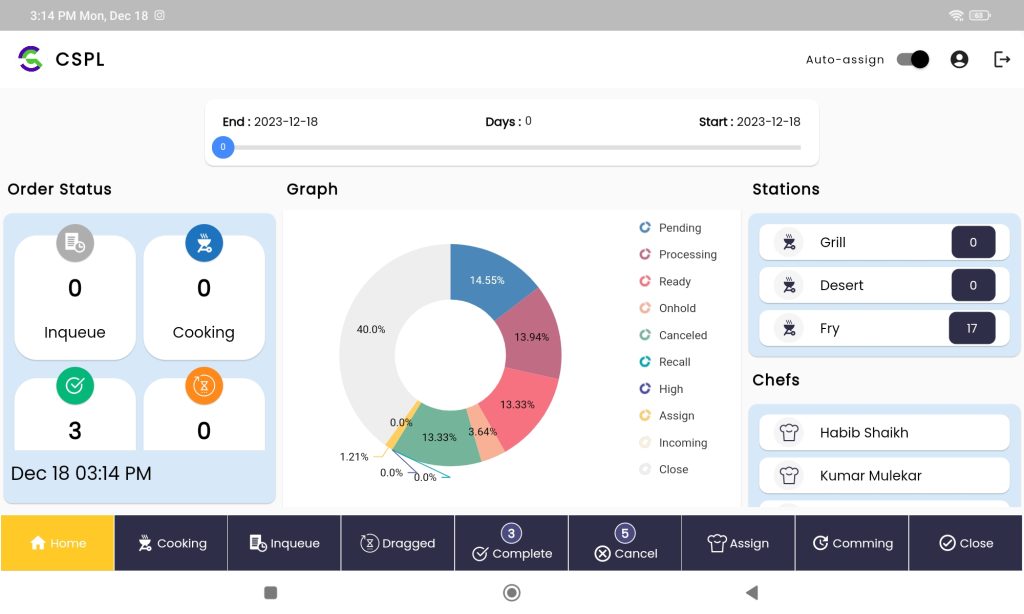
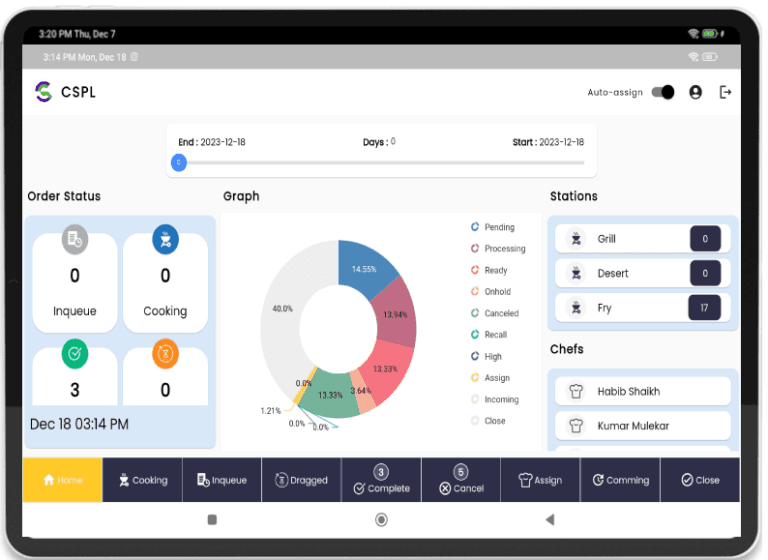
KOMS SCREENS

Interface Overview

Laptop Frame
Koms1

WORKING FOR YOU TO BUILD YOUR BUSINESS SUPER EFFICIENT

We aim to transform the Restaurant industry and drive business growth for our clients. Join us on this journey and experience the ultimate power of Megameal today!

One interface for seamless service

Stay In the Know: Subscribe to Our Newsletter for Exclusive Updates and Delicious Offers!
COmpany Logo
MegaMeal, Cloud-based system designed to streamline operations, enhance customer experiences, and supercharge your growth.With features tailored to the unique needs of your business, MegaMeal empowers you to start, run, and grow with confidence

©2025 Megameal. All rights reserved.

Kitchen Order Management System (KOMS) - MegaMeal